

Glozin
Professional CAD Files
Glozin
24/7 Free Support & Help Section
Glozin
Step-by-Step Tutorials
Glozin
Save Money
Glozin
Beginner-friendly
Glozin
Instant download

Description

Why Choose Our DIY Button Plate

EASY TO BUILD

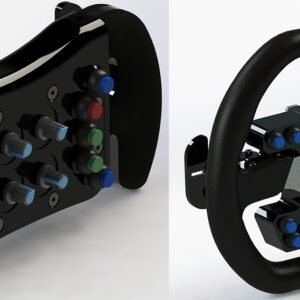
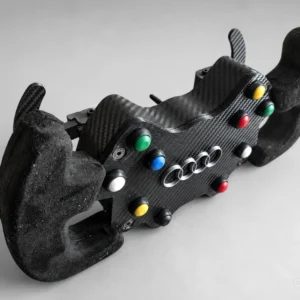
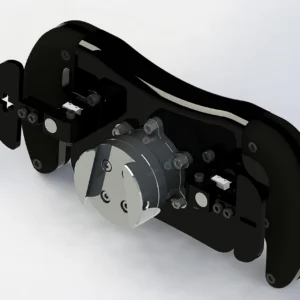
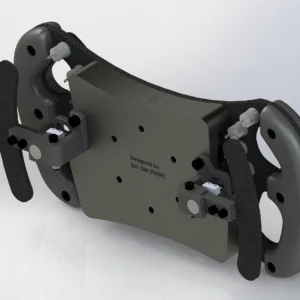
The Sim Racing DIY Button Plate building kit has been designed to be easy to build without expensive tools or advanced knowledge! In the event of a issue, you can ask free assistance in the Help & Questions section.

CUSTOMIZATION

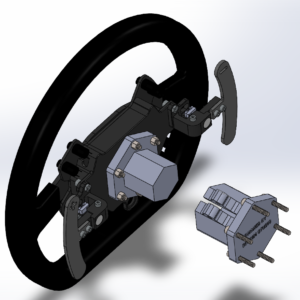
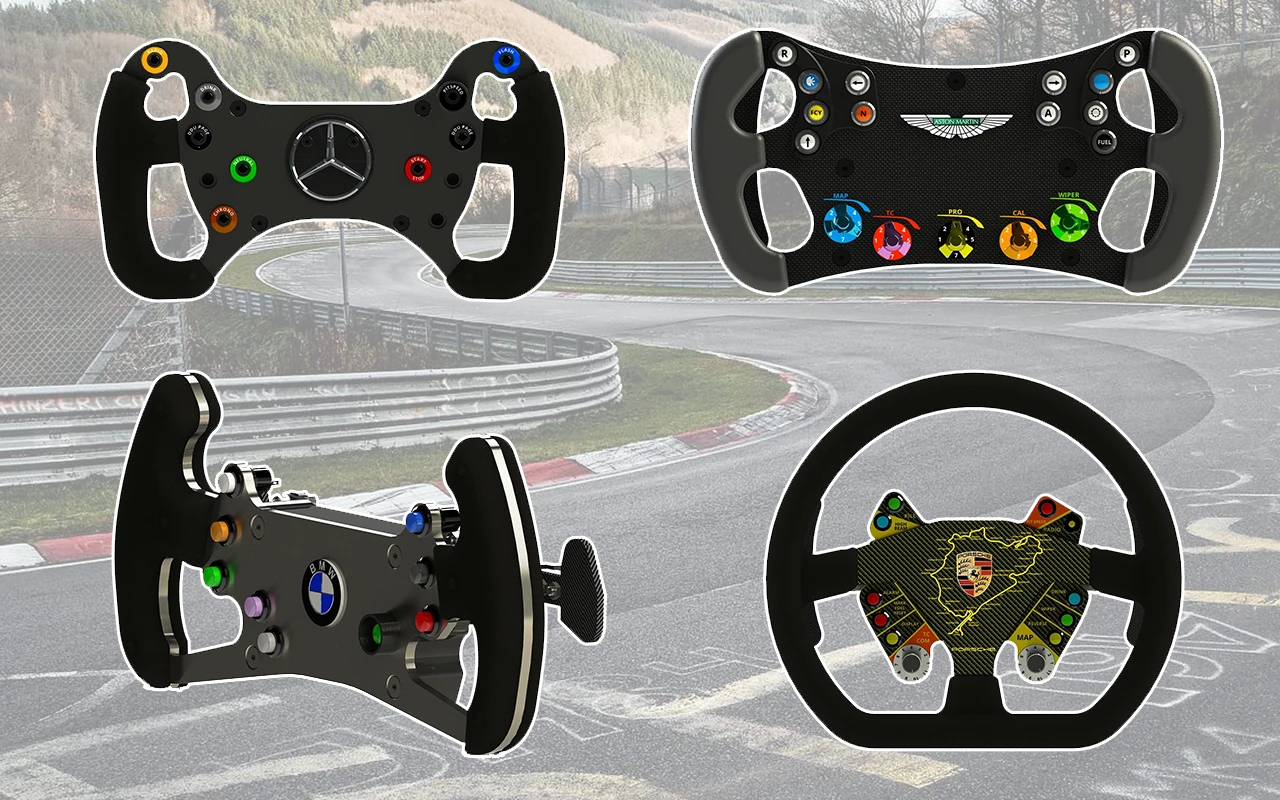
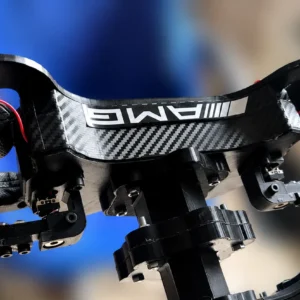
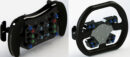
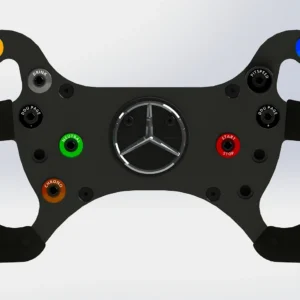
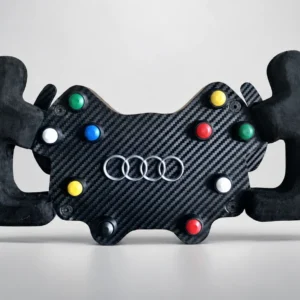
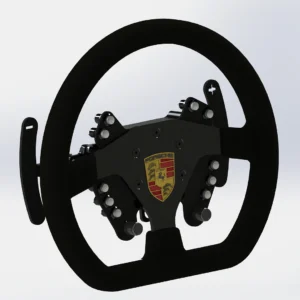
Your DIY Steering Wheel Button Plate is customizable. You can modify the front plate as you wish (add buttons, a screen, LEDs, etc.) and cover it with carbon. You can also mount the wheel of your choice.

diy button plate free

CHEAP SIM RACING BUTTON PLATE

This DIY Sim Steering Wheel can be built with a small budget, depending on the parameters you have chosen (Choice of material, USB Board…) and the equipment you have (3D Printer). Find what you need in the ⚒️ DIY Tools section.

save money
  • You are going to download a file (CAD models of the Sim Racing Button Plate), we don’t sell physical product
  • After your download, you will be able to get your file in your member area (Account > Downloads)
  • This product is protected by Licence, you are not authorized to sell or share it.
  • Recommanded Steering Wheel dimensions: witdh from 300mm to 330mm with 70mm PCD

Material of the diy sim steering wheel

3D PRINTING

As for the F1 Steering Wheel, I recommend PLA or ABS. For the infill, I recommend a minimum of 20%. Here are recommendations for printing 3D solid parts.

How to get the DIY simracing wheel required materials

3D PRINTING OF YOUR DIY BUTTON PLATE

You can buy a 3D printer, or find a 3D printing service like treatstock.

Looking for high-quality 3D printing services? With Treatstock, you can easily get instant quotes from professional manufacturers worldwide. Upload your design today and get your free, no-obligation quote in minutes! 👉 Get Your Quote Now

SCREWS

Bolt depot, Motedis and FixnVis.

3D printed racing wheel Tolerances

3D Printing: 0.6mm
AR is not supported on this device

ELECTRONICS

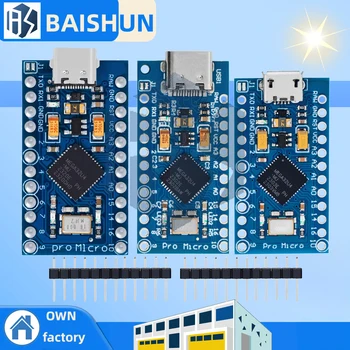
Arduino Pro Micro USB Board

  • Quantity: 1
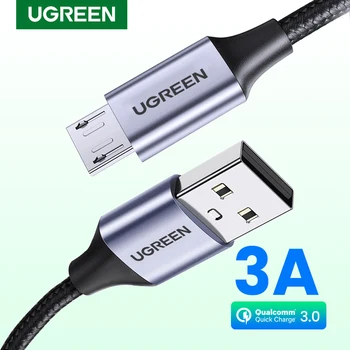
  • Option: Micro USB
  • Note: compatible only with HX711 Loadcell Amplifier

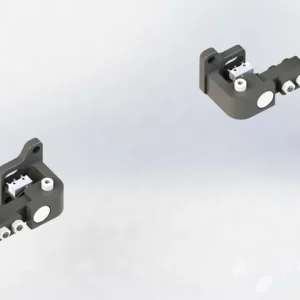
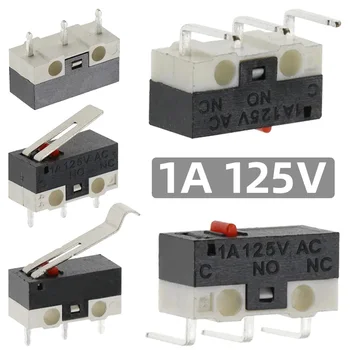
MicroSwitch 

  • Option: Handle 11.5mm

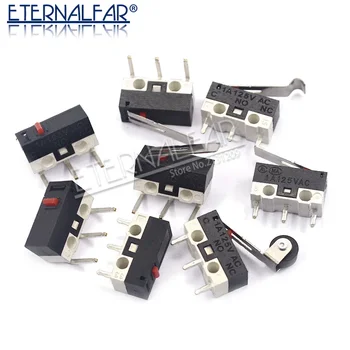
MicroSwitch alternative

  • Option: MS-1A-13.5

Alternative USB Board 

  • Option: USB Arcade Encoder Zero Delay

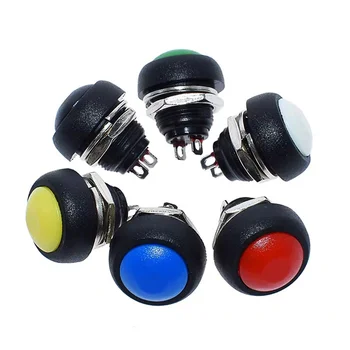
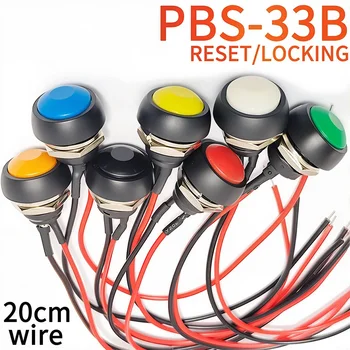
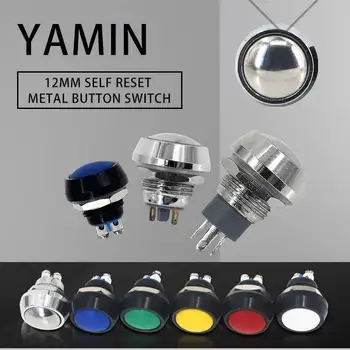
Ø12mm Push Button

  • Option: Momentary

Ø12mm Push Button

  • Option: momentary

Shielded cable 

  • Quantity: 1
  • Specification: 3 cores 5 meters

Cable Glands PG7 

  • Option: M12X1.5 For 3-6.5mm

 Rotary Encoder Switch 15/20mm

  • Option: 20MM Half handle

FINISHING

STEERING WHEELS AND ADAPTER

ASSEMBLY AND SOLDERING

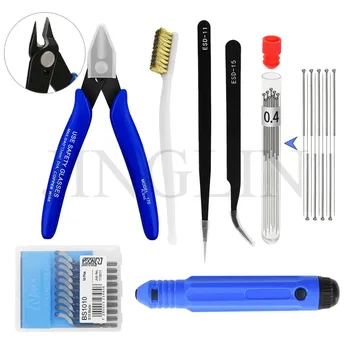
Find what you need in the DIY Tools section.

3D PRINTING

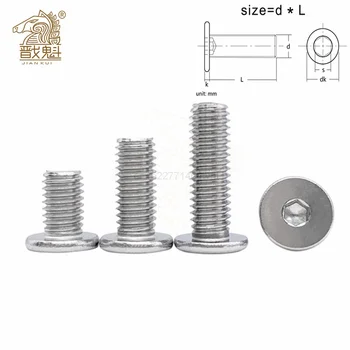
HARDWARE SCREWS

Customer Reviews

Powered byCusRev
4.8
Based on 5 reviews
5 star
80
80%
4 star
20
20%
3 star
0%
2 star
0%
1 star
0%

Customer Images

Image #1 from Anonymous

Anonymous

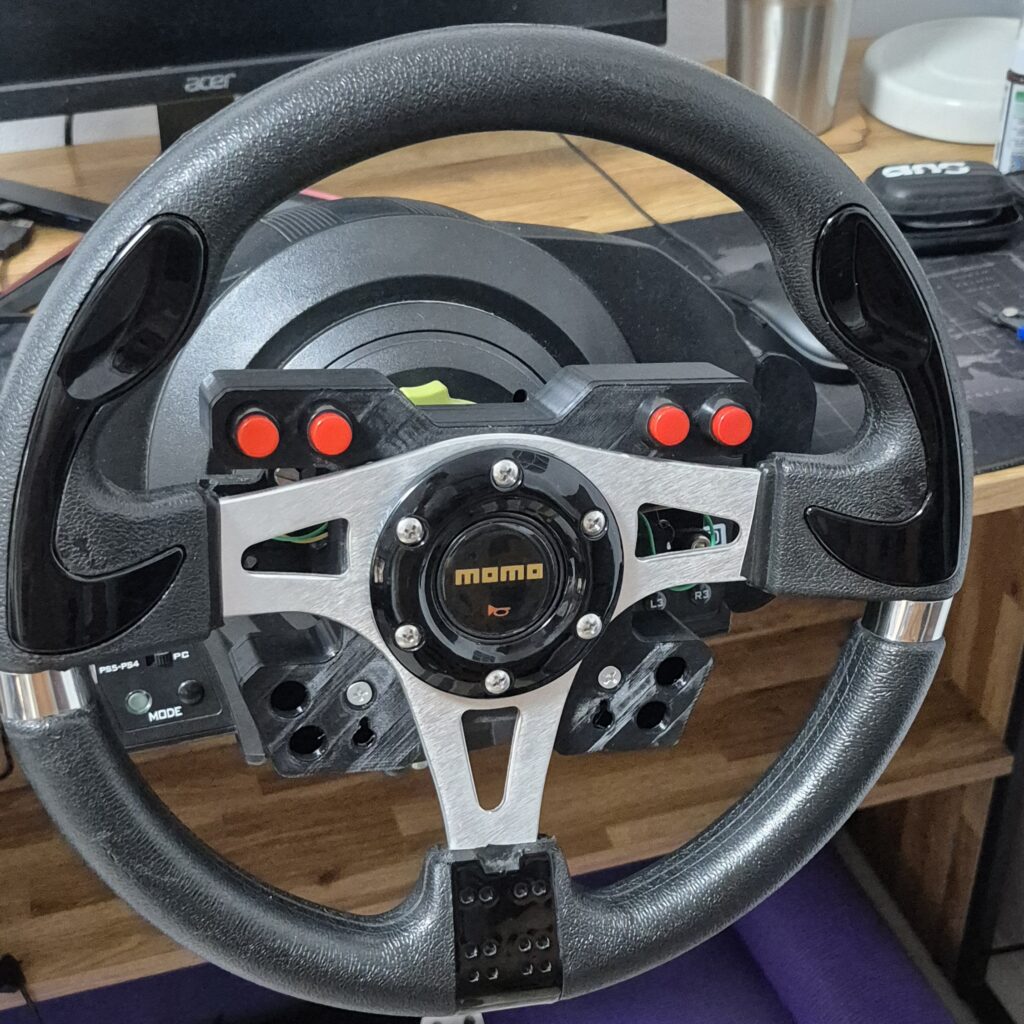
The button layout is good, and assembly was easy. I modified the it to work with my Thrustmaster T300 wheelbase.

(1) (0)
Image #1 from Anonymous
1-5 of 5 reviews
  1. (0) (0)
  2. (0) (0)
  3. The button layout is good, and assembly was easy. I modified the it to work with my Thrustmaster T300 wheelbase.

    Image #1 from Anonymous
    (1) (0)
  4. (0) (0)
  5. (0) (0)
Add a review
You must be logged in to post a review Log In

Post here your issues or your questions, I will answer you as soon as possible.


Guest
Shakhriyor Turdiyev
2 years 1 month ago

hey! Would you mind to make some wireless edition of it?

Support
2 years 1 month ago

Hello,

There is a 3D .stl model to have a wireless Arduino card, the model has no USB hole.
But I do not intend to provide a wireless electronic solution.

Best regards,
DIY SIM STUDIO

Guest
Jackson Swindle
1 year 6 months ago

Hello,

I have recently started building this button box, but neither the wiring diagram nor the Arduino sketch file includes any information about how to wire/program the rotary encoder. Is there any help that can be offered for this?
Support
1 year 6 months ago

Hello Jackson,

The rotary encoder wiring is not included in the project, the Arduino sketch includes only the buttons and the shifters micro switches.

Best regards,
DIY SIM STUDIO


People Also Bought

Recently Viewed